Mix hair color with confidence
Exact bowl mixes, client records, and before/after photos—plus the day’s book and Tap to Pay at the chair. Formulate with confidence, document every transformation, and replay any mix anytime.

Walk through a simple four-step wizard—from consultation to a ready-to-mix formula. When a result isn't achievable, The Formula tells you why so you can adjust before you open a tube.
Choose your professional color brand and product line from searchable, brand-native catalogs.
Enter starting level, tone, and gray coverage using visual swatch cards—at a glance behind the chair.
Pick from shades filtered to what's actually feasible for the hair you're starting with.
Receive shade codes, ounce amounts, developer volume, and processing time—ready to mix.
Designed for licensed professionals and salon colorists—not DIY home color. From consultation to bowl to documentation, everything is built around how you actually work.
Shade codes, ounces, developer volume, and processing time in one view—with multi-bowl support for complex formulas.
Level, tone, and gray coverage at a glance—capture starting hair state in taps behind the chair.
Only see target shades that can work for the hair you're starting with—no guessing before you mix.
Client profiles with contact info and consultation notes—formulas linked to clients or saved in your personal library.
Before and after photos in grid, timeline, and side-by-side views—each linked to the exact recipe.
Full formula history—search by client or shade and jump back to a recent mix without digging through notes.
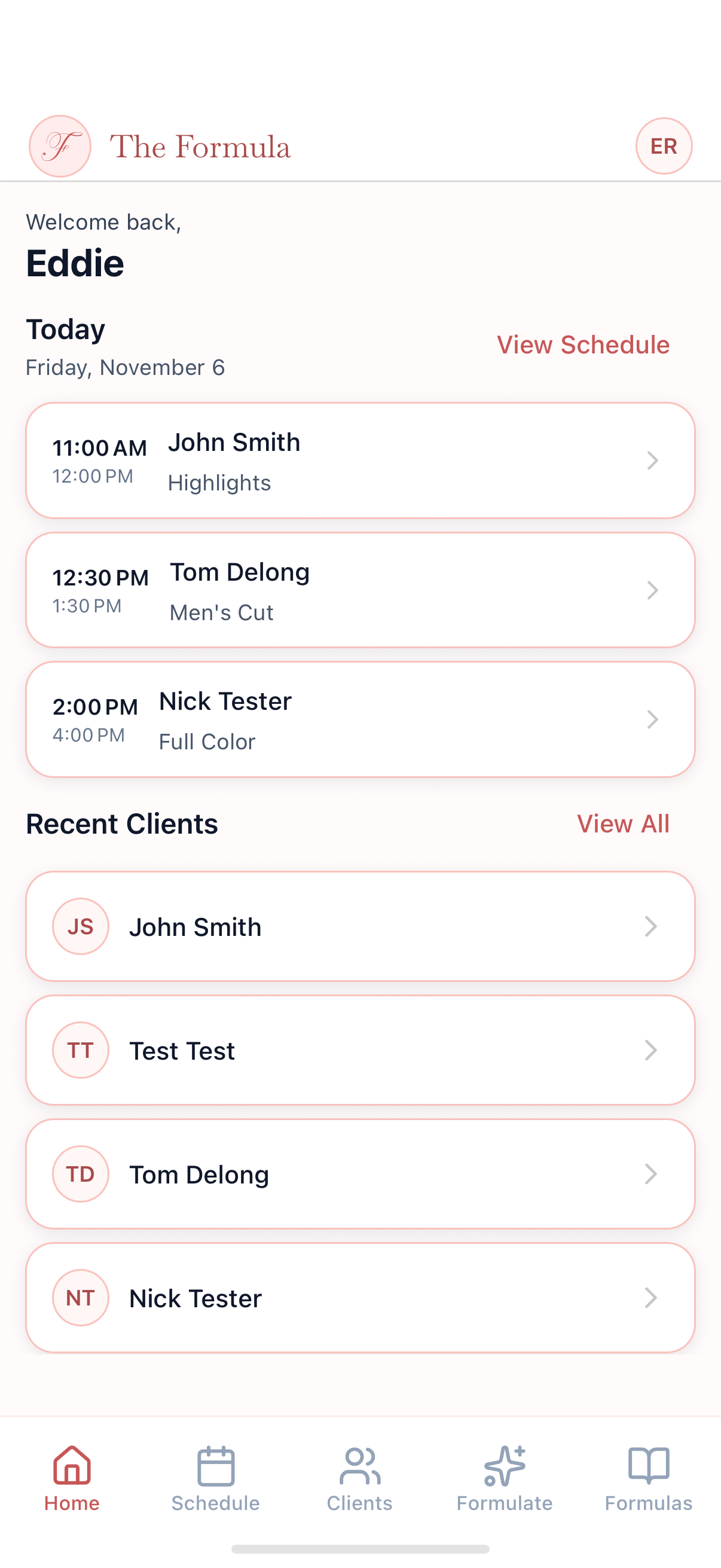
The rest of the chair day lives in the same app—who’s coming in, what you’re mixing, and how they pay.
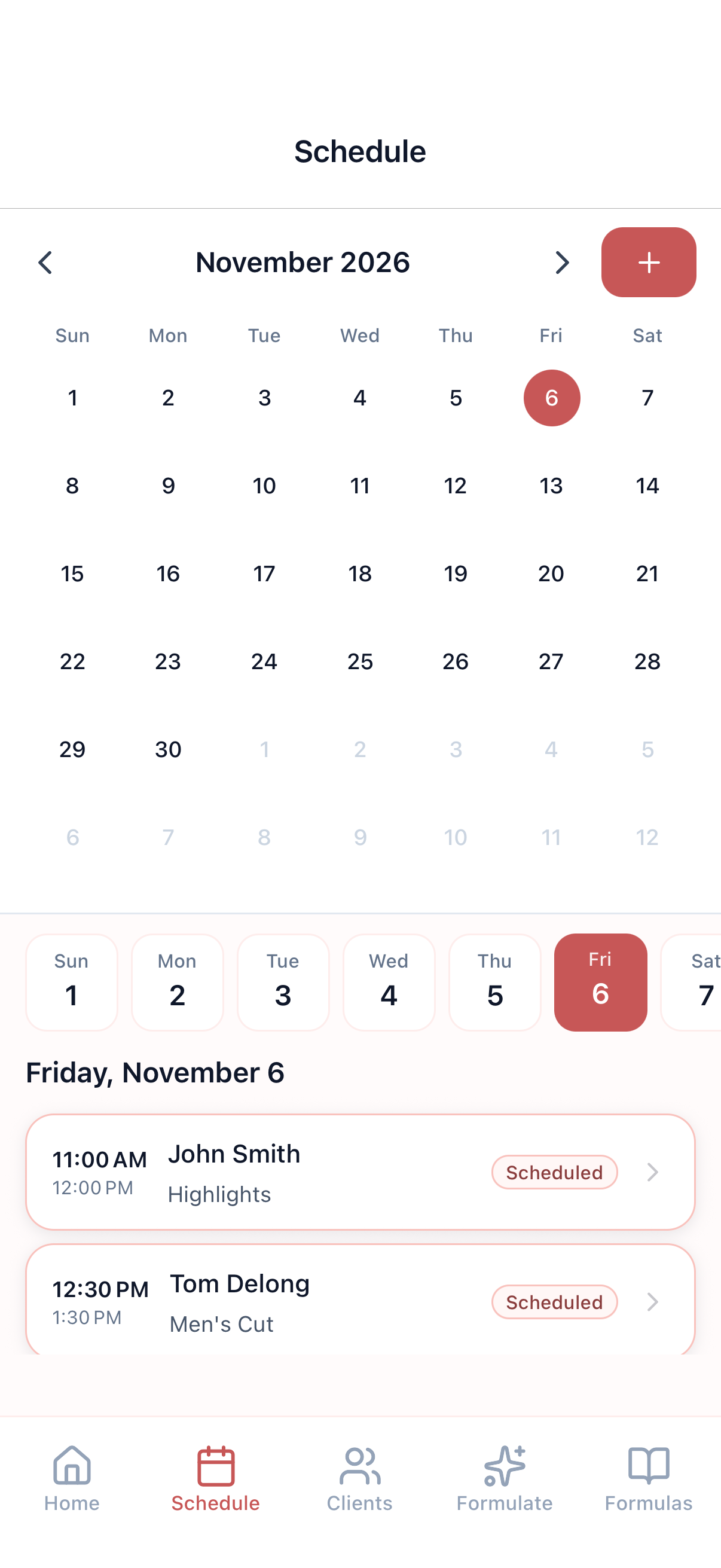
Home shows today’s appointments and recent clients. The schedule shows the month and the day so you can jump to any visit.
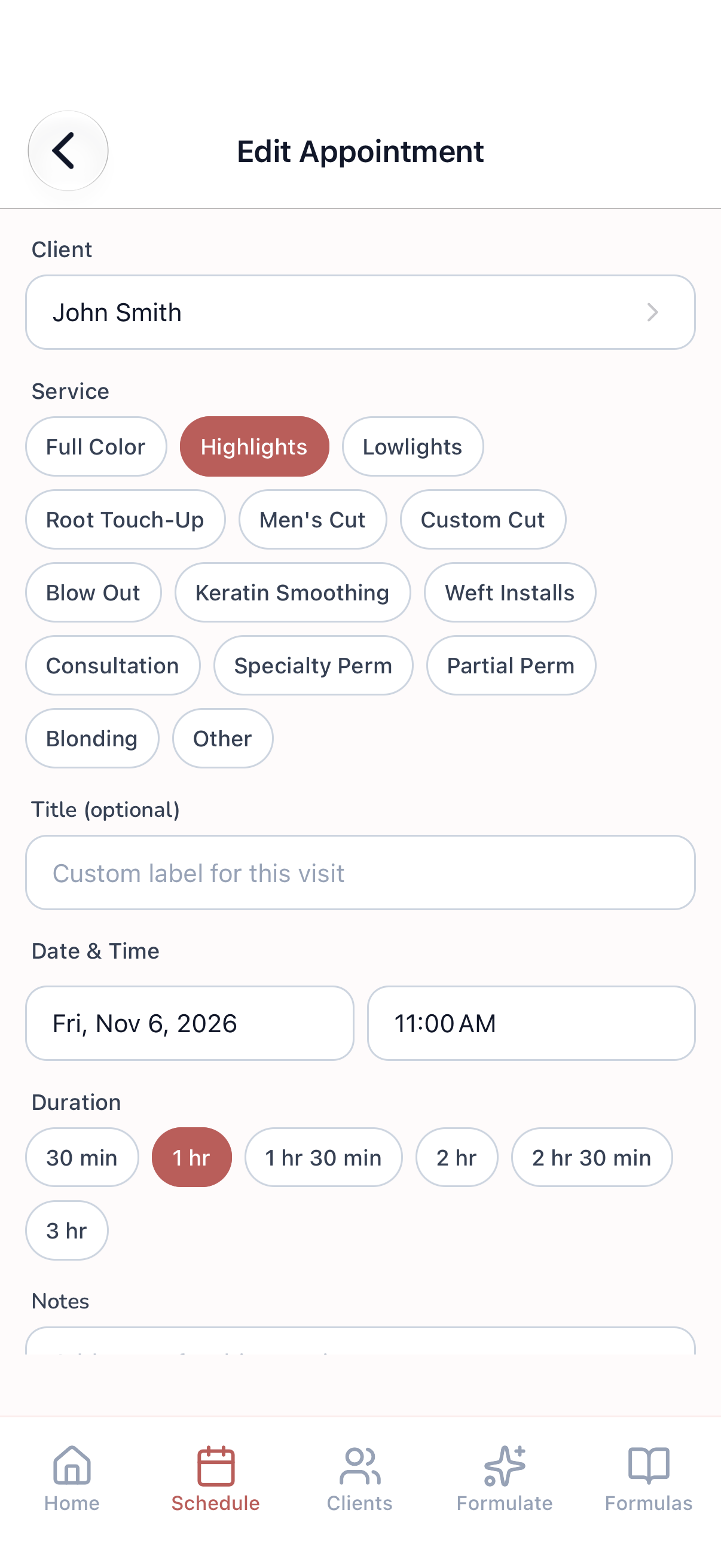
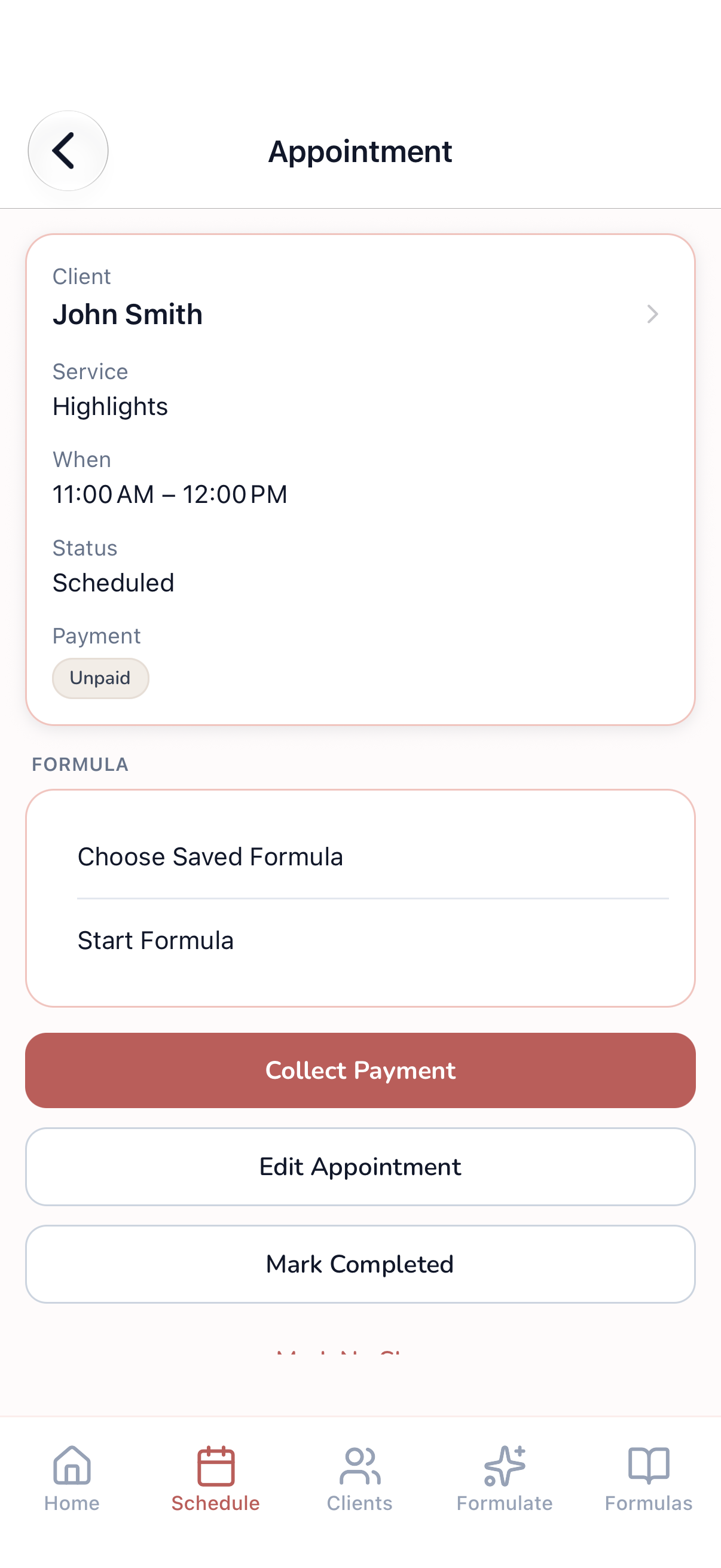
Book a service, time, and duration, then open the visit to start a mix, reuse a saved formula, or mark it complete.
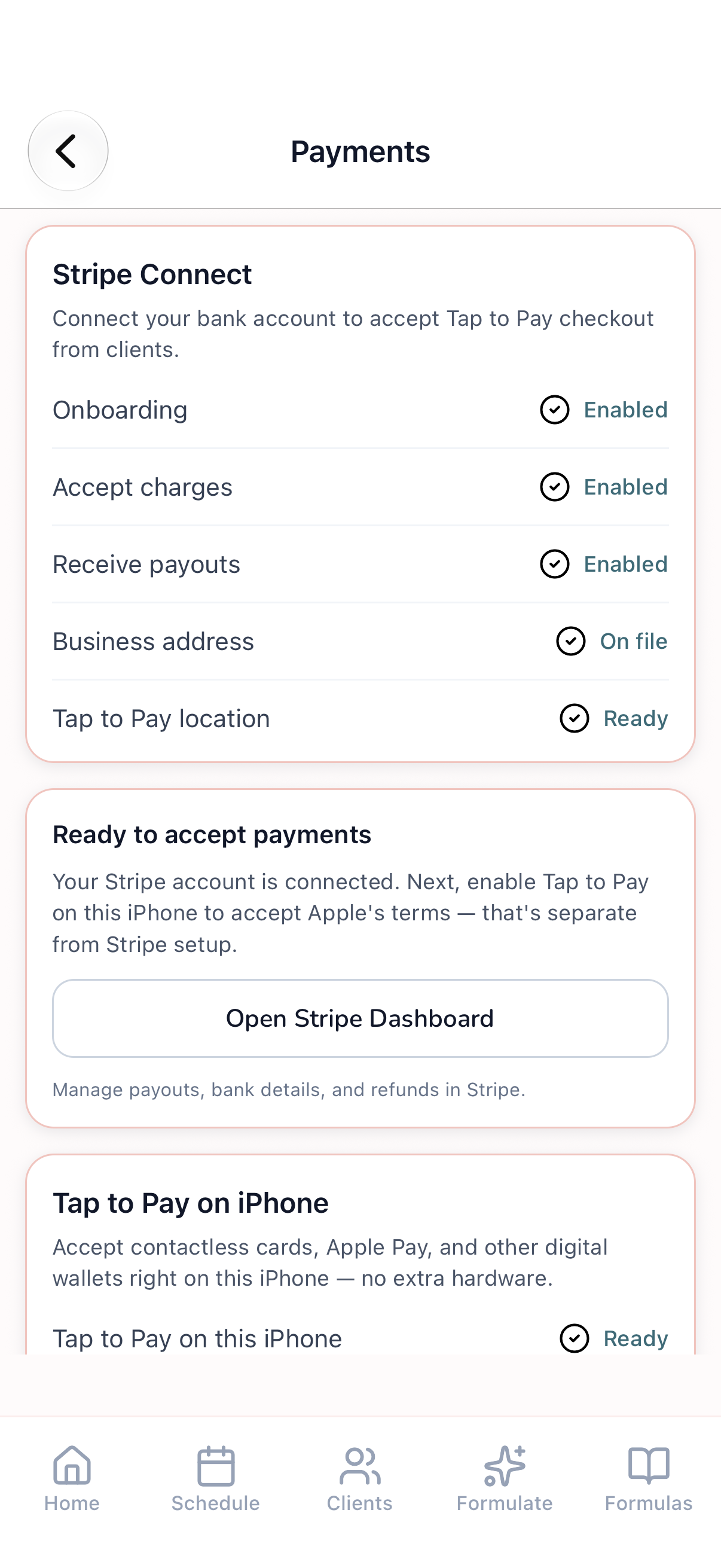
Connect Stripe and take Tap to Pay on iPhone—cards, Apple Pay, and wallets, no extra reader. Send a payment link when a tap isn’t possible, and export the year’s payments when you need them.
From today’s book to the bowl, then checkout at the chair.



Download The Formula—bowl mixes, the day’s book, and Tap to Pay for stylists at the chair.
Download on the App Store